Activity Feature Update! “Report Type” (No Buttons) Is Now Available.
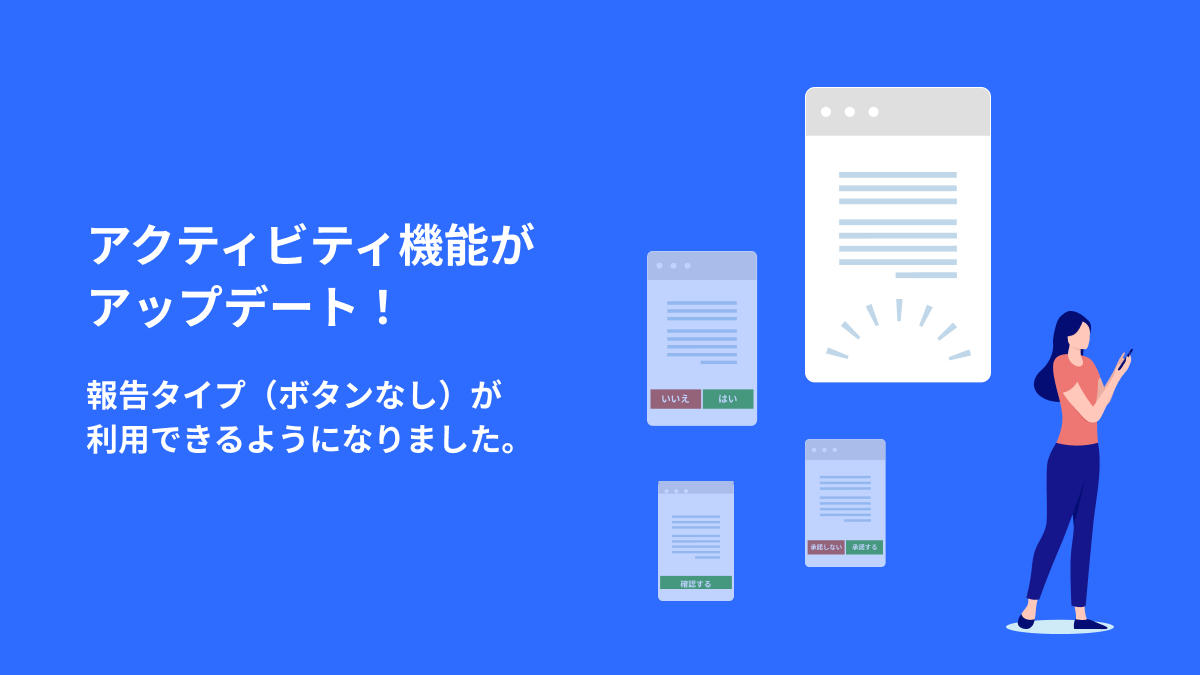
We have officially released the new [Report Type] for the Activity feature.
Previously, setting a “Response Button” was mandatory when sending activities. With this update, you can now select the [Report Type], which allows you to send activities “without displaying buttons.”
This enables more flexible information sharing while reducing the effort required from owners.
TOC
Release Highlights
The [Report Type] has been released, allowing you to send activities without setting up response buttons for owners.
■ Example Use Cases
This is ideal for situations where you want to keep a record of the information without requiring a response or confirmation button from the owner.
・Regular Inspection Reports: When you want to convey the status using only photos and text.
・Notices/Administrative Communications: General announcements and shared information.
・Completion Reports: Follow-up reports, such as notifying that repairs have been completed.
How to Use
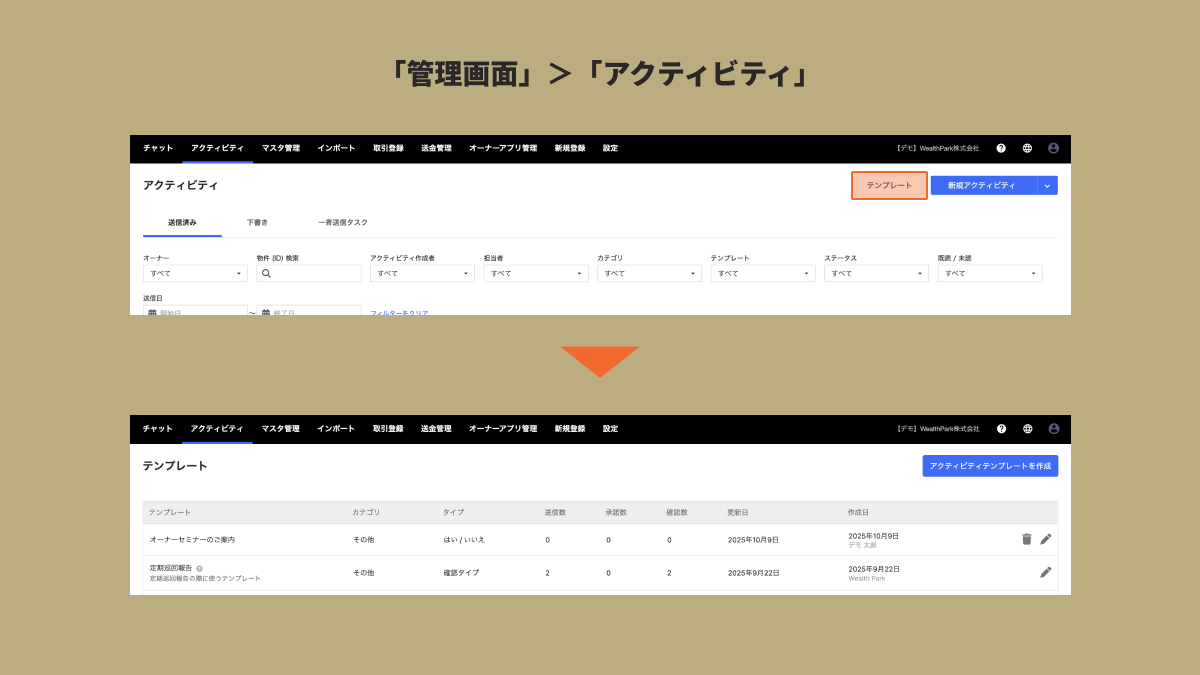
Go to the Management Screen > Activity and click on [Templates].
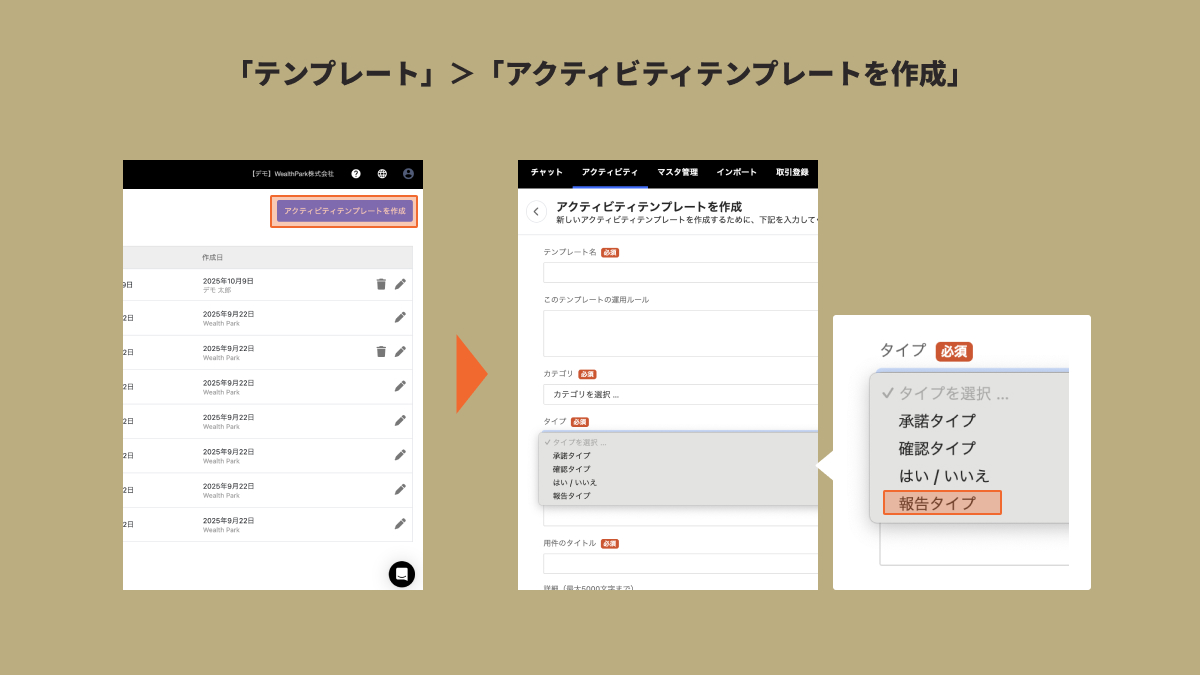
Please create a template via [Create Activity Template].
By selecting [Report Type] during creation, you can send an activity that has “no buttons displayed.”
Closing Remarks
Through the development of the Owner App and “WealthPark Business,” WealthPark is committed to promoting digital transformation (DX) in the real estate industry. Our goal is to provide secure and highly convenient services for both management companies and property owners.
We regularly share updates on DX support for real estate companies, cost reduction of expenses, and operational efficiency on our official website and Facebook. If you are interested, please follow us for the latest news.